Vocal Remover Online
Remove vocals from songs online with AI. Separate vocals and instrumentals, isolate vocals, and create karaoke backing tracks in seconds.
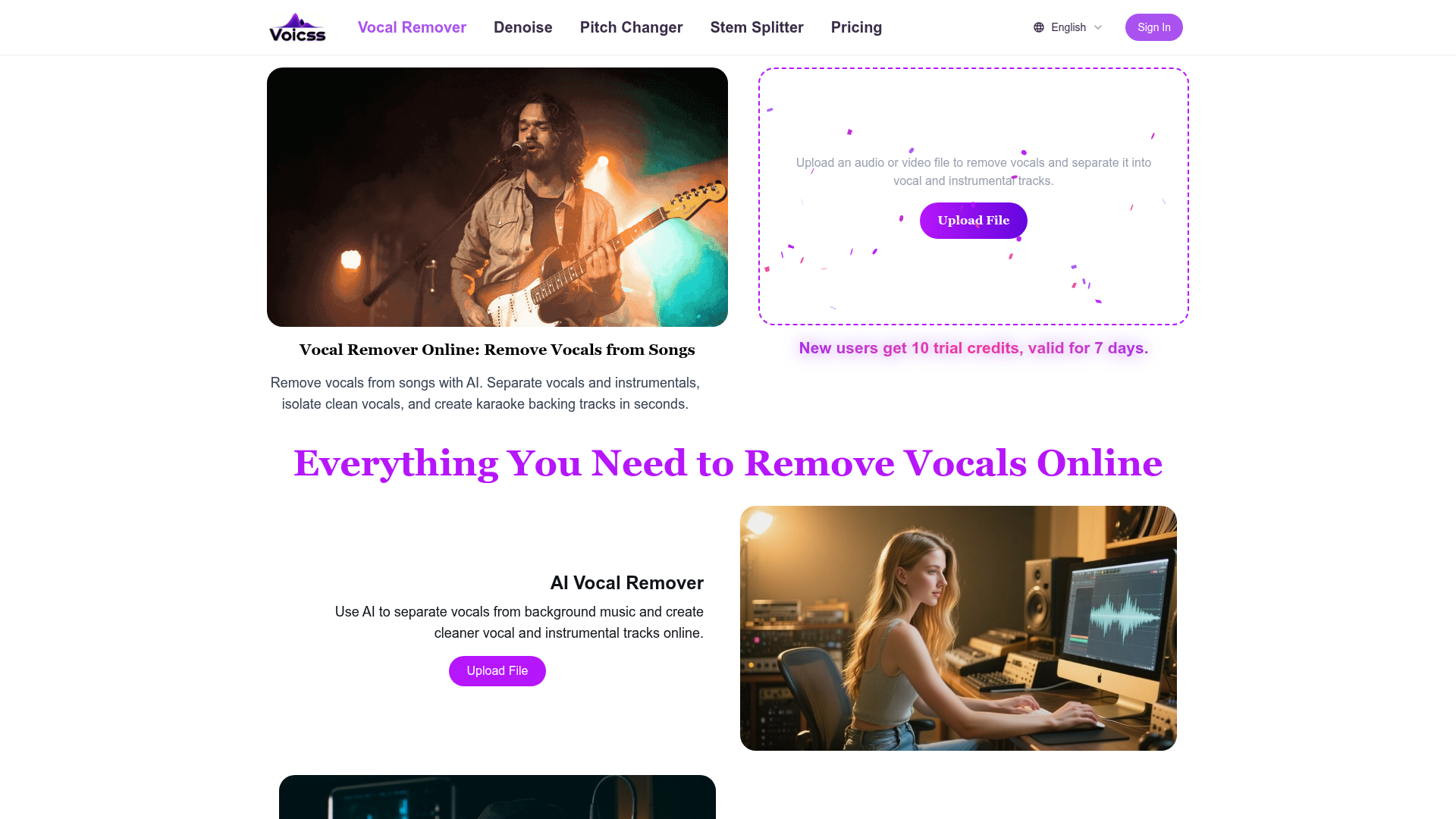
Vocal Remover Online Introduction
What is Voicss?
Voicss is an advanced, browser-based AI vocal remover and music separation tool. It allows users to upload audio or video files and, within seconds, utilize artificial intelligence to isolate and separate vocals from the instrumental background music. The primary function is to remove vocals from songs, creating clean karaoke backing tracks, acapella vocal stems for remixing, and practice instrumentals, all without requiring any software downloads or audio editing expertise.
What Are the Main Features of Voicss?
-
AI-Powered Vocal Removal: At its core, Voicss employs sophisticated AI algorithms to accurately separate vocal tracks from music, producing high-quality instrumental and vocal-only outputs.
-
Instant Karaoke Track Creation: With one click, users can transform any song into a clean backing track perfect for singing practice, live performances, or karaoke nights.
-
Vocal Isolation for Music Production: It enables musicians, DJs, and content creators to extract clean vocal stems for sampling, remixing, mashups, and other creative audio projects.
-
100% Online & Beginner-Friendly: The entire process happens securely in your web browser. There's no need to install complex software like Audacity or Adobe Audition, making it accessible to everyone regardless of technical skill.
-
Broad Format Support: Voicss accepts all popular audio and video formats, including MP3, WAV, M4A, FLAC, MP4, and MOV, ensuring compatibility with most media files.
-
Free Trial Offering: New users receive 10 free trial credits to experience the service's capabilities risk-free, with no initial sign-up or payment required.
How to Use Voicss?
Using Voicss is designed to be a straightforward, three-step process conducted entirely online:
-
Upload Your File: Navigate to the Voicss website and click the "Upload File" button. Select the audio (e.g., MP3, WAV) or video (e.g., MP4) file from your computer that contains the song from which you want to remove vocals.
-
AI Processing: Once uploaded, Voicss's AI engine automatically begins processing the file. It analyzes the audio and separates the mixed track into its core components: the vocal track and the instrumental track. This typically takes only seconds.
-
Download Your Results: After processing is complete, you will be presented with two downloadable files: a clean instrumental (karaoke) track and an isolated vocal track. You can then download these high-quality separated files for immediate use in your projects.
Price and Credits
Voicss operates on a credit-based system. New users are welcomed with ### 10 free trial credits, which are valid for 7 days. This allows you to process several songs for free to evaluate the quality. Once the trial credits are used, or if you require higher-volume usage, you can purchase additional credit packs. Specific pricing for credit bundles is available on the Voicss website, offering flexible options for casual users and frequent creators alike.
Helpful Tips for Best Results
-
Start with High-Quality Source Files: For the cleanest separation, upload the highest quality audio file you have (e.g., WAV, FLAC, or high-bitrate MP3). The AI works best with clear, well-mixed source material.
-
Ideal for Modern Productions: The AI separation technology excels with contemporary music where vocals and instruments are often recorded on separate tracks. Results on very dense, classical, or live recordings may vary.
-
Use for Practice and Creativity: Beyond karaoke, use the isolated instrumental tracks for musicians to practice their instrument along with their favorite songs, or use the vocal stems to create unique remixes and edits.
-
Check the Free Trial First: Make full use of the 10 free credits to test the service with different genres of music to ensure it meets your specific needs before any purchase.
Frequently Asked Questions (FAQ)
Is Voicss really free to try?
Yes. Voicss offers 10 free trial credits to all new users, with no sign-up required for the first use. This allows you to remove vocals from several songs completely free of charge.
Do I need to install any software?
No. Voicss is a 100% online tool. All processing happens in your web browser. You don't need to download or install any desktop applications or plugins.
What audio formats are supported?
Voicss supports a wide range of common audio and video formats, including MP3, WAV, M4A, FLAC, MP4, MOV, and more. You can upload most files directly from your phone or computer.
How long does the processing take?
Processing is very fast, typically completing within seconds, depending on the length and file size of your upload. The AI works efficiently to deliver your separated tracks almost instantly.
Can I use the separated tracks commercially?
You must ensure you have the necessary rights or licenses for the original song before using the separated tracks (instrumental or vocal) in any commercial project. Voicss provides a separation tool; copyright ownership of the original content remains unchanged.
What if I'm not an audio expert?
That's perfectly fine! Voicss is built specifically for beginners. The interface is simple: upload, wait, and download. No knowledge of audio editing, EQ, phase cancellation, or stem separation software is required.
Is my uploaded file secure?
Voicss processes files securely. Users can typically delete their files from the server after processing, and the service is designed with user privacy in mind. For specific details, refer to their privacy policy on the website.
 Cloudflare
 HTTP/3
 Next.js
 Node.js
 React
React Webpack
Free AI Anime & Manga Generator
Free AI anime and manga generator. Turn text into anime episodes, manga, comics, webtoons and comic shorts in any art style — no drawing or animation skills needed.
LiftOff
LiftOff is the product launch platform for makers to launch products, earn upvotes, get discovered, and build momentum with a community that loves what is next.
AI Image Translator
Translate image text across 70+ languages with our advanced AI Image Translator to help you better expand your products globally to various countries
Featured
Advertised Here
Reach thousands of visitors daily. Get your spot now!